
Talk, and it types.
WhisperBoard is a voice-first keyboard for Android. Tap the mic, say what you want, and your words appear in any app, already typed.
Free tier, no ads.
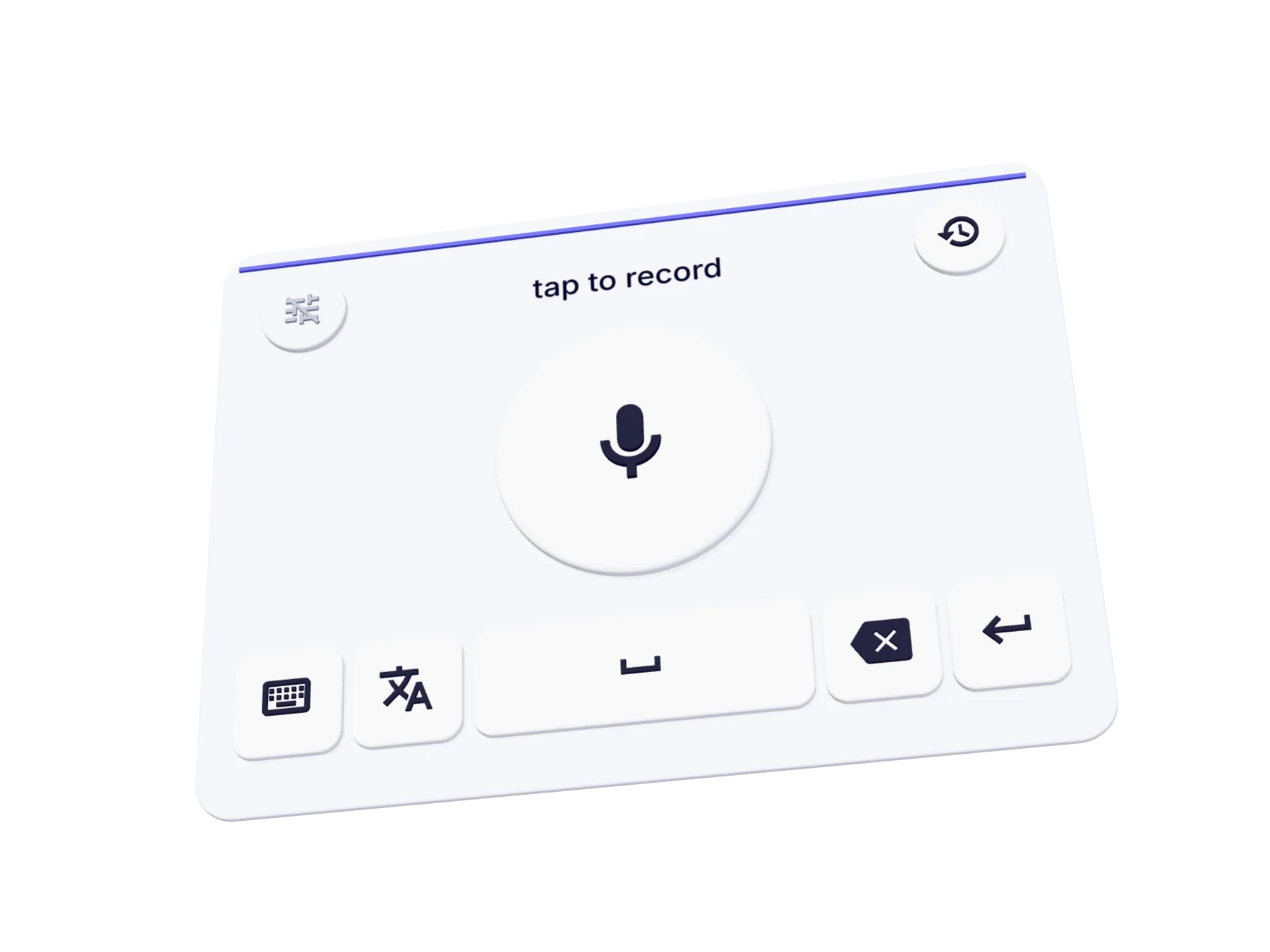
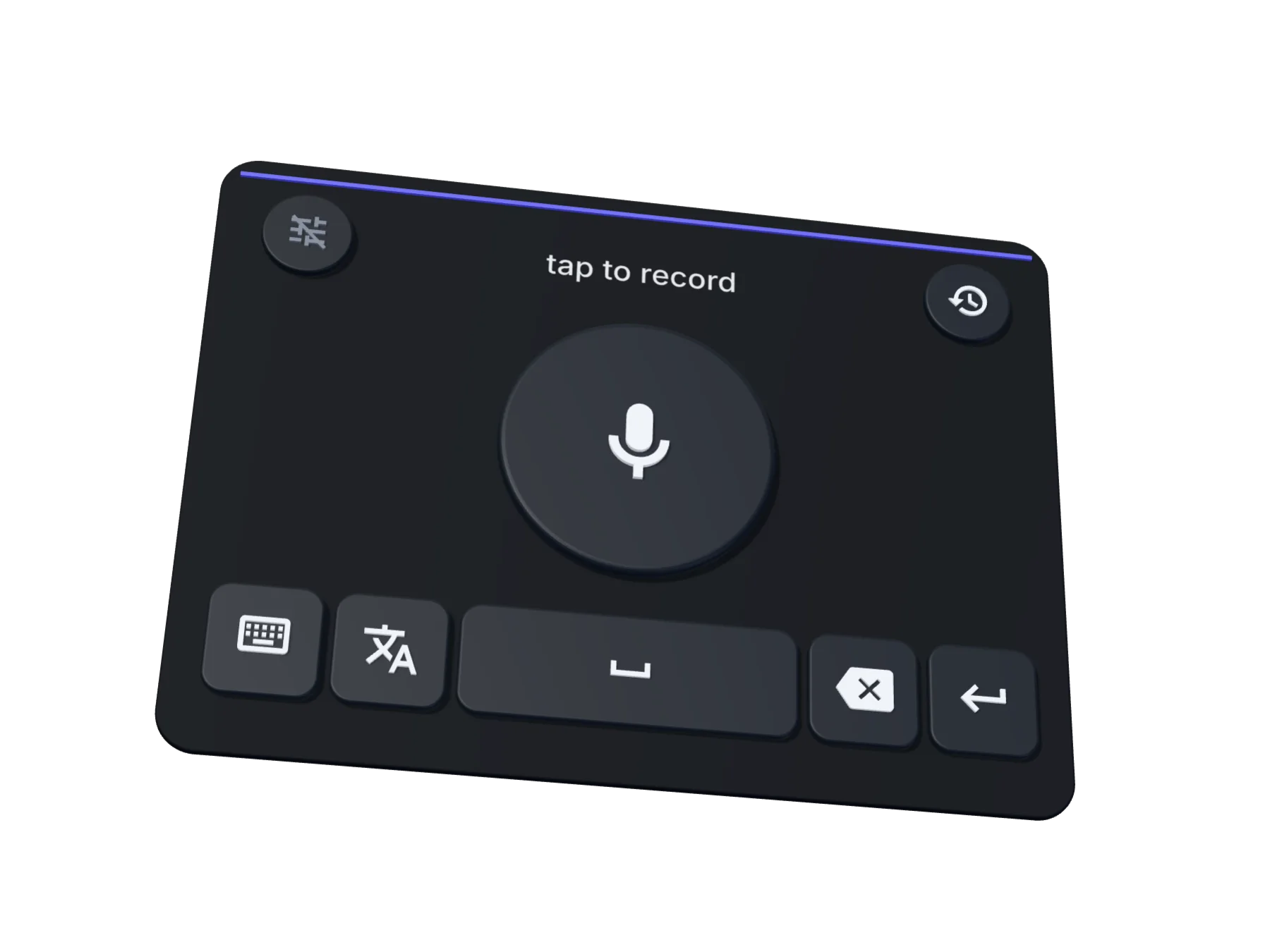
Tap the mic. Then try Translate.
From voice to typed text
-
Tap and speak.
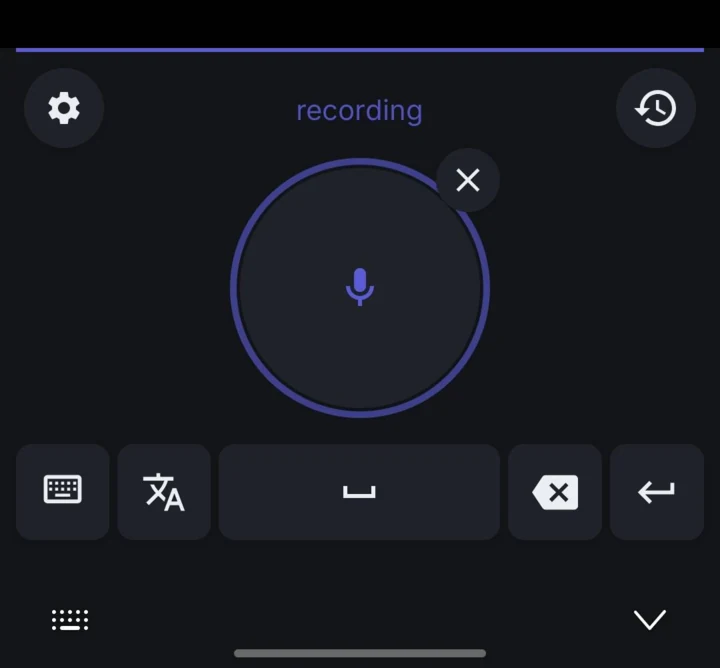
The label says recording and a ring follows your voice. Say it the way you would say it to a friend.
-
Tap again.
Your audio goes over an encrypted connection to the speech provider you chose, and comes back as text. The label says transcribing.
-
It’s typed.
The words land in the field you were in, with the spacing already right. A copy waits in your history, on your device only.
Set up once in about two minutes. The app walks you through it.
A keyboard that keeps up with your voice.
Dictate in yours, from Afrikaans to Yoruba. Set it once, in settings or during setup.
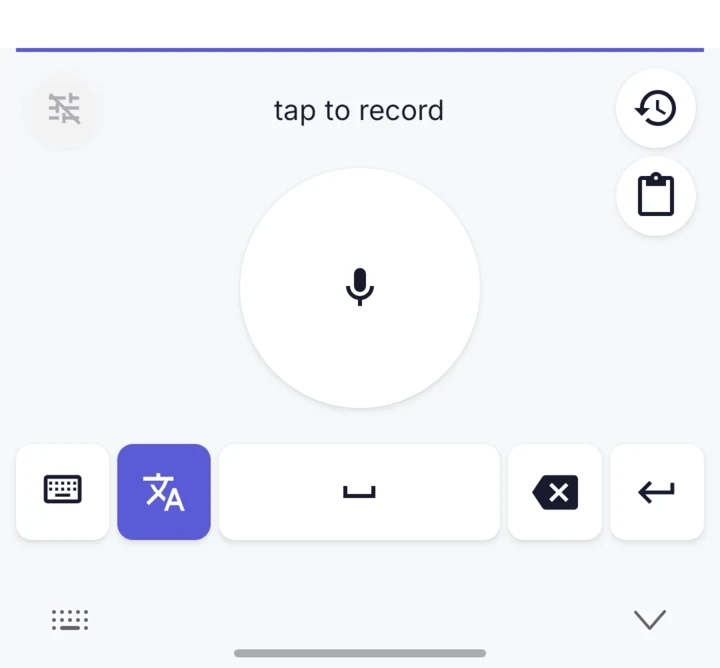
Flip the Translate key and speak. The text arrives in the language you picked: 21 to choose from with WhisperBoard Services. With your own OpenAI key, it translates into English.
A mode is a short note about what you usually talk about. It helps the AI spell the words you actually use. Modes improve accuracy; they never rewrite what you say.
Your last 40 dictations, ready to re-insert from the keyboard itself. They live on your device only and are never synced.
Full QWERTY with a number row, symbols, and around 3,930 emoji, one tap away. It reopens in whichever layout you used last.
Haptic feedback on every key. Light & Minimal and Dark Premium themes, or follow your system. The keyboard never goes fullscreen in landscape.
Around 100 languages, from Afrikaans to Yoruba.
You sayI’ll be there in ten minutes.
Llego en diez minutos.
Spanish
Dental clinic
Dental clinic. Terms: caries, gingivitis, NSAID. Names: Dr. Reyes, Ana.
For exampleDr. Reyes prescribed an NSAID for Ana’s gingivitis.
Write your own, up to 20, or start from a template:
- Clean Transcription
- Business & Meetings
- Names & Spellings
- Technical Vocabulary
- Medical Vocabulary
40dictations kept, on this device
Go on, type something.
Your voice, not our data.
-
You control the microphone.
Recording starts when you tap the mic, or if you turn on the optional auto-start setting. It is always clearly shown on screen.
-
We don’t read what you type.
Ordinary typing is not collected or sent to WhisperBoard. Your dictation history stays on your device.
-
Your audio isn’t kept.
With WhisperBoard Services, audio is encrypted in transit, processed for your request, and discarded. With your own key or server, it goes straight to the provider you chose.
-
Your data isn’t our business model.
No ads, no sale of personal data, no cross-app tracking, and no use of your audio or transcripts to train WhisperBoard’s own AI models. The only telemetry is crash reporting, so bugs get fixed.
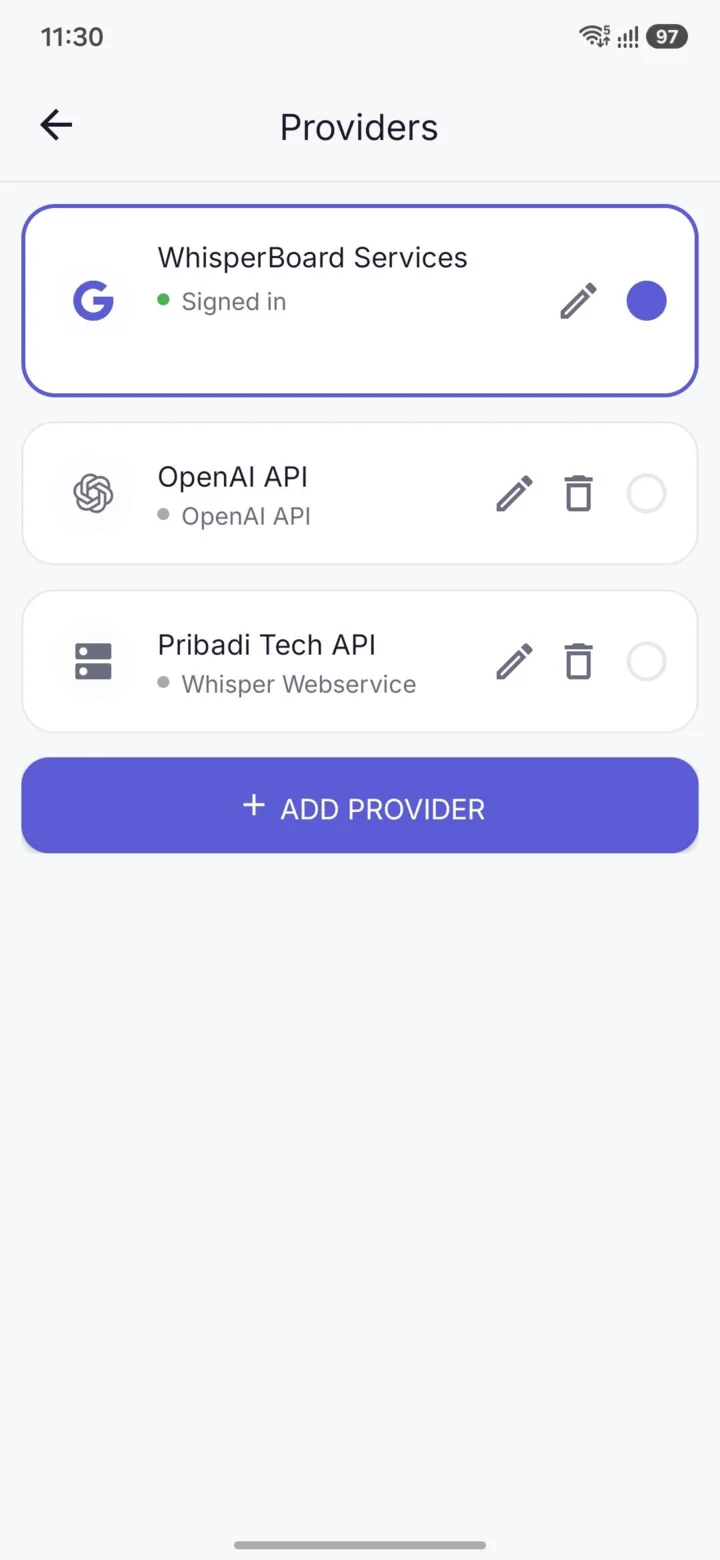
Pick who transcribes your voice.
-
WhisperBoard Services
Sign in with Google and go. The free tier is included.
-
Your OpenAI key
Paste a key and you are set. No account needed.
-
Your own server
Point WhisperBoard at a Whisper server you run. No account needed.
Every provider has a Test button, and Save unlocks only after the connection test passes. Paid plans only add more transcription time.
Quick questions
Does it work offline?
No. Transcription happens in the cloud with modern AI speech models, so there is no offline mode.
Does it work in every app?
Yes. Anywhere a keyboard can appear: messages, email, notes, browsers, forms.
Does my voice leave my phone?
Yes, and we are upfront about it. Audio is sent over an encrypted connection to the speech provider you chose, transcribed, then discarded. WhisperBoard does not store it or use it to train its own AI models.
Do I need an account?
Only for WhisperBoard Services, with a Google sign-in. With your own OpenAI key or your own server, the app works without any account.
Is it free?
There is a free tier on WhisperBoard Services. Using your own key or server costs nothing beyond what those services charge. Paid plans add more transcription time.
Does it read what I type?
No. What you type stays on your device and is never sent anywhere. The microphone runs only during a recording you start, or the optional auto-start setting if you turn it on.
Which languages does it support?
Around 100 languages for dictation. With WhisperBoard Services you can also translate into 21 target languages.
Ready to stop typing?
Free tier, no ads.